Introduction
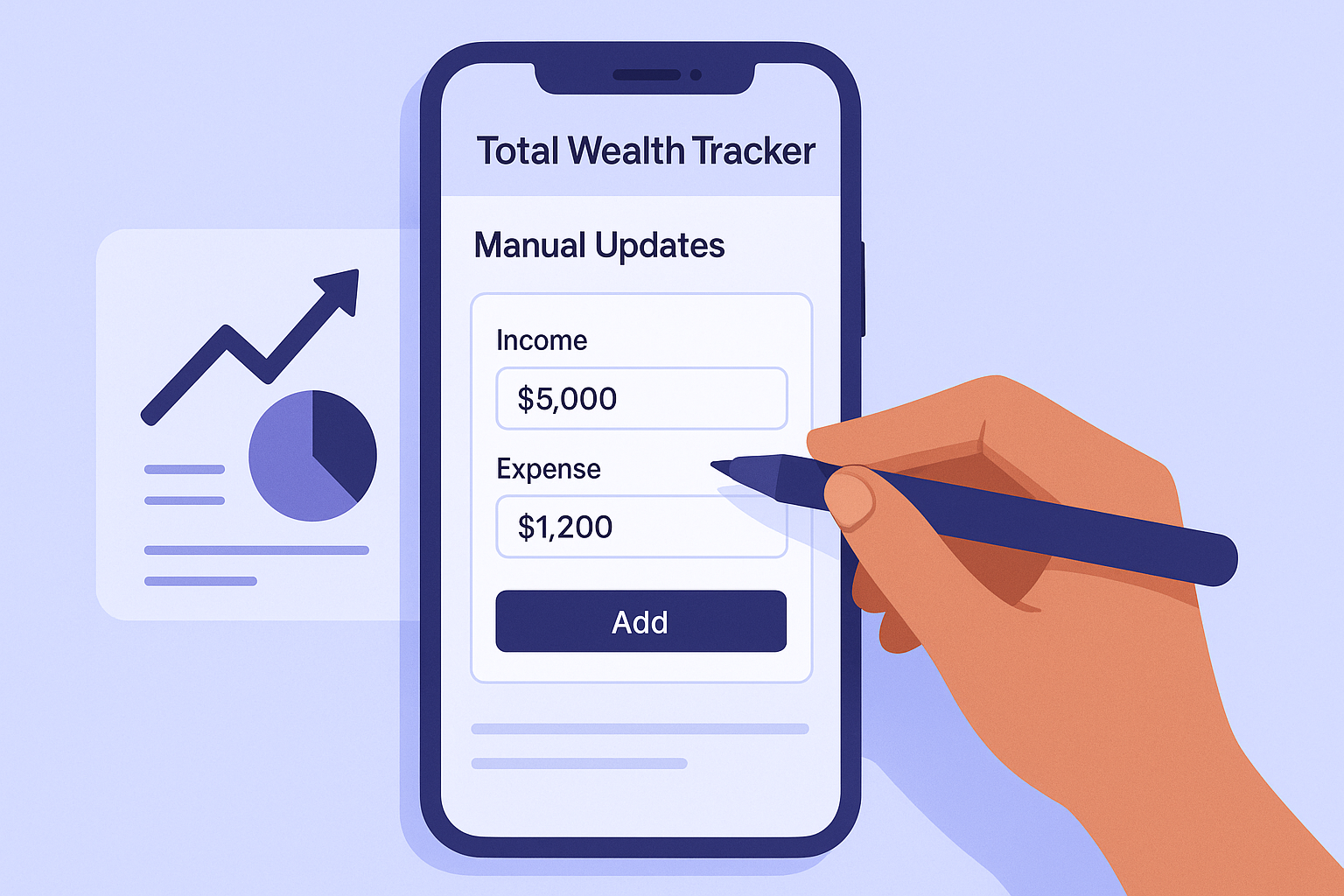
Total Wealth Tracker uses manual updates by design. Instead of importing positions automatically, you decide when to update the invested and current value of each broker, account or asset bucket.
Why manual updates can be useful
- Control: You choose exactly what account-level values are stored.
- Broad compatibility: A platform can be tracked even when it does not offer an integration.
- Lower maintenance: You do not need to reconcile every trade, dividend or individual security.
- Privacy: Brokerage credentials are not required for the core tracking model.
How it works
For an account that started at €5,000 and is currently worth €5,800, you can store those two values as one platform entry. When you review the account later, update the current value and the app records the new portfolio snapshot.
What manual tracking does not include
There is no automatic broker import mode, no market-price alerts and no report generator. Optional cloud sync can synchronize the values that you manually enter across devices or a shared workspace, but it does not replace manual data entry.
Frequently Asked Questions
Can I combine manual and automatic broker updates?
No. Broker data entry is manual. Cloud sync only synchronizes your manually maintained portfolio data.
Can I create custom reports?
No. The app provides overview and analytics screens but does not currently generate custom reports.
Can I update values whenever I want?
Yes. You choose the review frequency that suits your tracking routine.
Conclusion
Manual updates trade automation for simplicity and control. Learn more on the manual investment tracker page.
