Introduction
Total Wealth Tracker focuses on one specific job: helping people who invest through several platforms see their wealth in one clear place without maintaining a stock-by-stock trading dashboard.
Core features
Platform-level portfolio tracking
Add a broker, account or asset bucket as one line with its invested value, current value, currency and date. Built-in types include stocks, P2P, real estate, gold, silver, funds, crypto, bonds, cash and rent.
Wealth overview and history
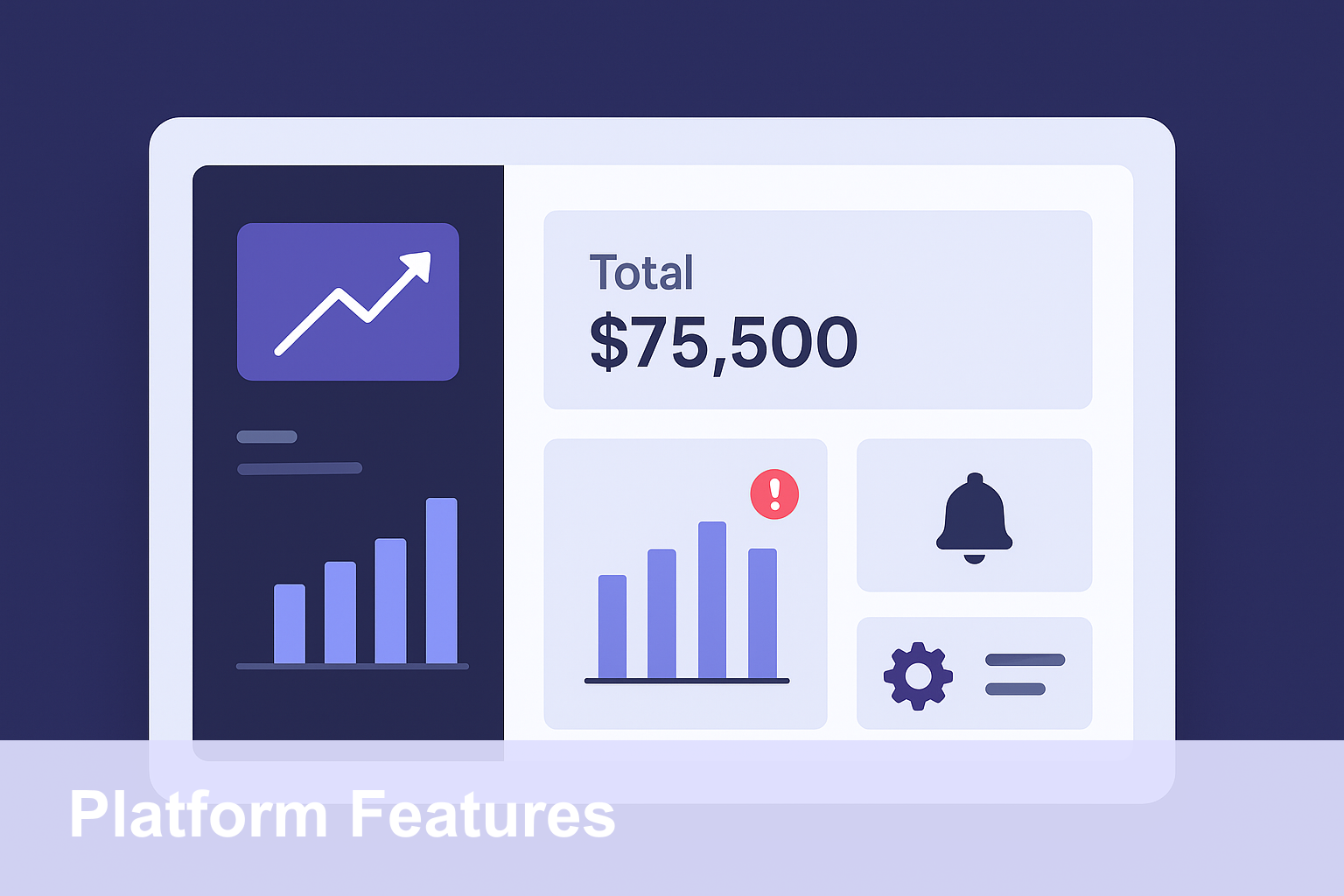
The Overview brings together total wealth, performance and value-history snapshots. Period controls help you review how the manually tracked portfolio has changed over time.
Allocation and Portfolio Health
Allocation views show how wealth is distributed by type. Portfolio Health uses local rule-based checks for factors such as diversification, concentration, cash and return-style signals. These checks are informational and are not personalized financial advice.
Multi-currency display
Entries can be stored in different currencies and converted for a combined display using available FX rates. This is useful when accounts are held in more than one currency.
Optional cloud workspace and partner sharing
When cloud mode is enabled, manually entered portfolio data can be available across devices. An owner can invite a partner, with owner, editor and viewer roles supported by the workspace model.
Privacy and data controls
The Overview can mask amounts on screen. The account area includes data export and permanent account deletion flows, while local data can also be cleared separately.
What is intentionally not included
Total Wealth Tracker does not provide market-price alerts, automated reports, live brokerage imports, stock research or trading. Manual tracking is the core product model.
Frequently Asked Questions
Can I create my own asset type?
Yes. Custom types can be created with their own label, icon and color.
Does the app send market alerts?
No. There are no customizable market or price alerts.
Can I generate investment reports?
The app provides overview and analytics screens, but it does not currently generate downloadable investment reports.
Conclusion
The product is deliberately simpler than a trading terminal. If you want to see how this works across multiple accounts, visit the portfolio tracker or manual investment tracker pages.
